Danger Alerts
With Danger Alerts, you can warn other pet owners about potential hazards and stay informed about dangers in your area. These may include poison bait, broken glass, traps or dangerous animals.
Open Danger Alerts
There are several ways to access Danger Alerts:
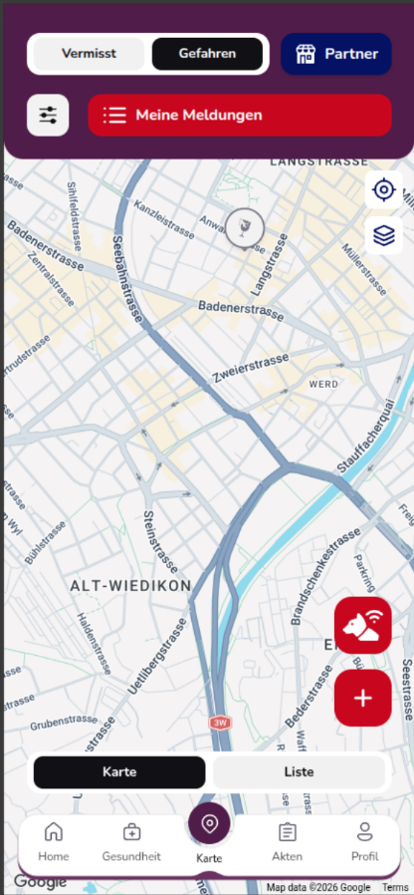
- Open “Map” in the bottom navigation and select “Dangers” at the top.
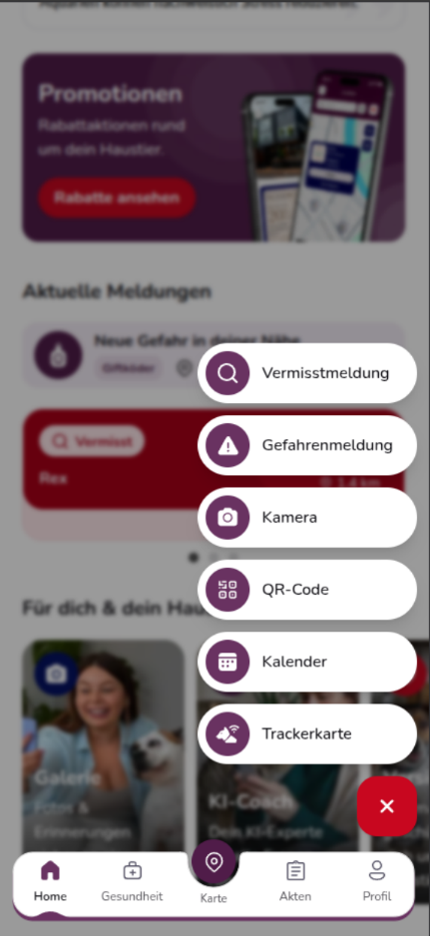
- Alternatively, tap the red “+” on the dashboard and select “Danger Alert”.
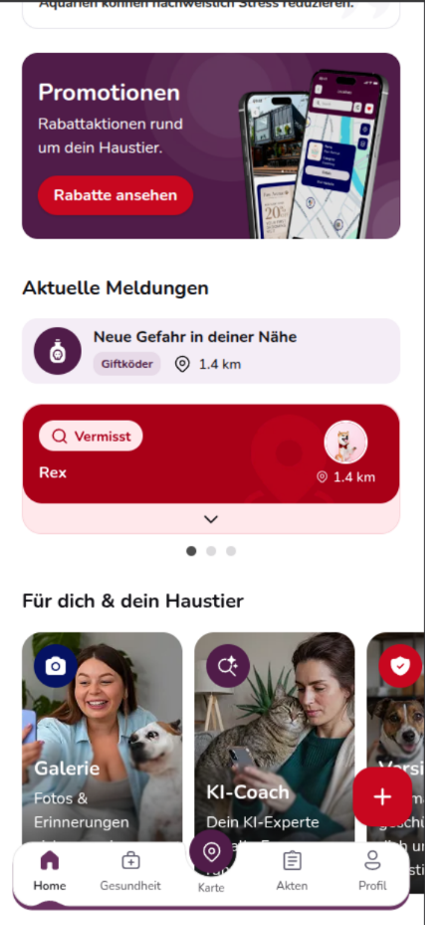
- If a reported danger is nearby, it may also appear on the dashboard under “Current Alerts”.
Discover dangers on the map
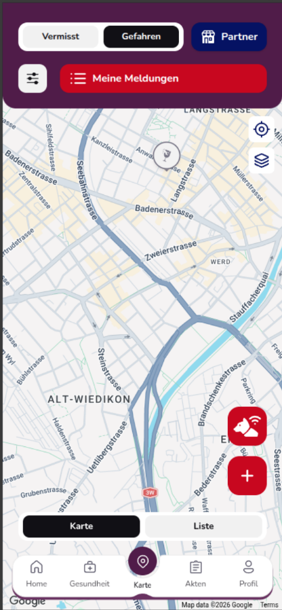
The map view shows reported dangers in your area. The icons on the map indicate where each danger is located.
You can switch between the map and list views at any time using “Map” and “List”.
View dangers in the list
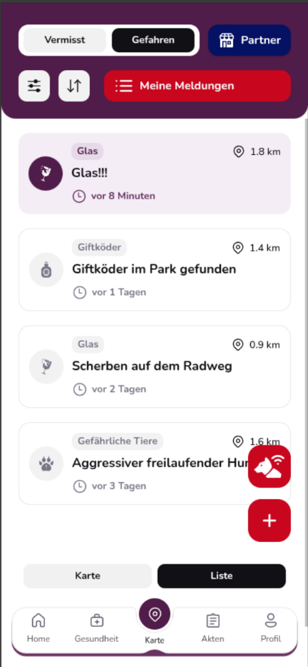
The list view gives you a quick overview of current danger alerts. For each alert, you can see information such as:
- The type of danger
- The title of the alert
- The distance from your location
- How long the alert has been active
You can use the sorting function to change the order of the alerts.
View details of a danger
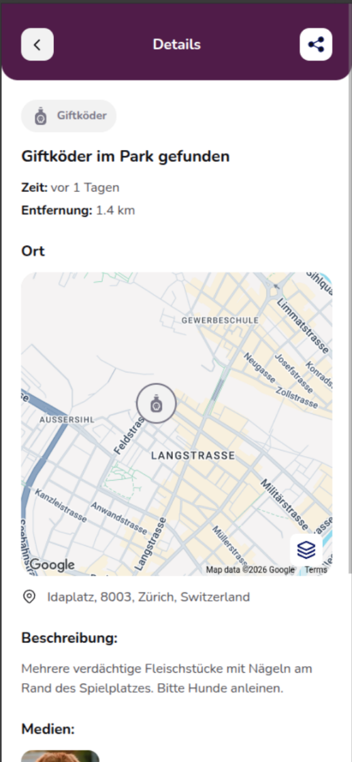
Tap a danger alert to view more information. In the detail view, you can see the exact location, a description and additional media such as photos, provided these were added by the user who reported the danger.
You can also use the share icon to share a danger alert with other people.
Report a new danger
If you discover a potential danger yourself, you can warn other pet owners about it.
Tap the red Danger button on the map or select “Danger Alert” from the dashboard’s action menu.
You will then be guided through the reporting process step by step:
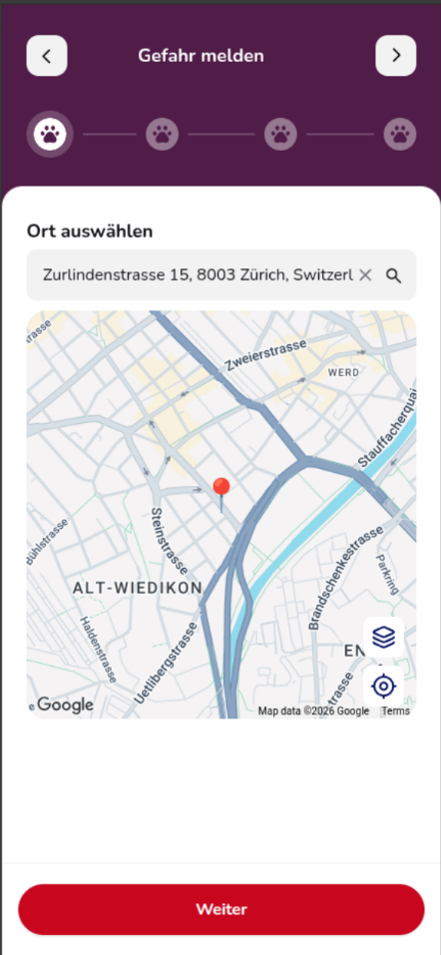
- Select location: Set the location of the danger on the map or search for an address.
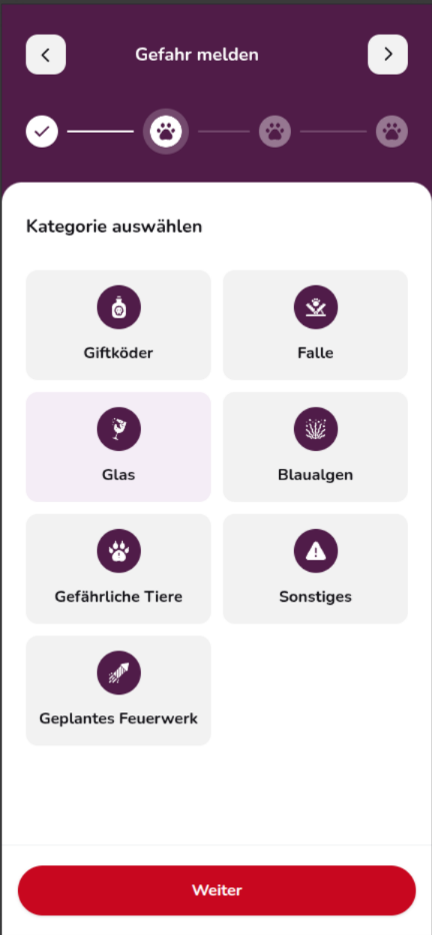
- Select category: Choose the appropriate type of danger, such as poison bait, trap, glass, blue-green algae, dangerous animals, planned fireworks or other.
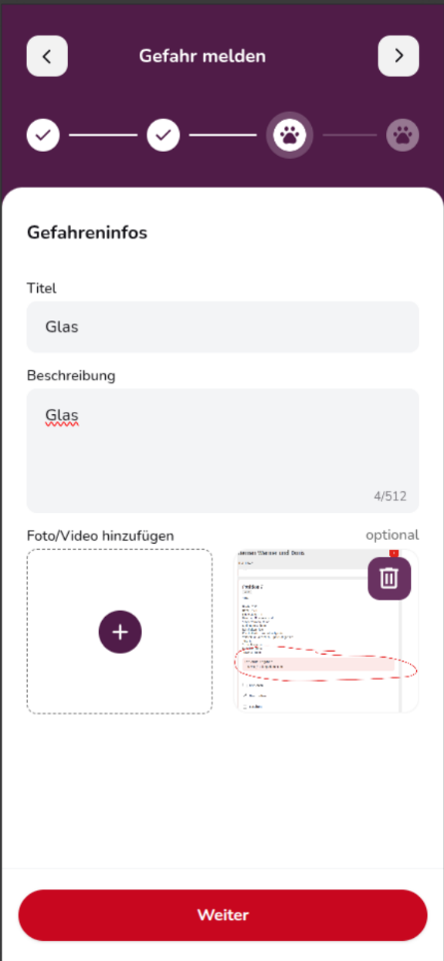
- Enter danger information: Add a clear title and description. You can optionally add a photo or video.
- Review your alert: Check the location, category, title, description and uploaded files once more. You can use the pencil icon to edit any information before submitting the alert.
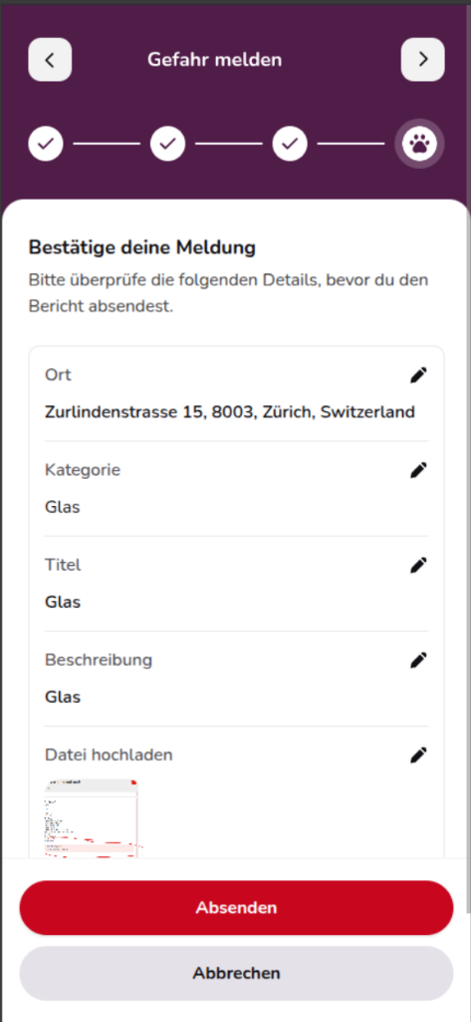
- Tap “Submit” to publish the danger alert.
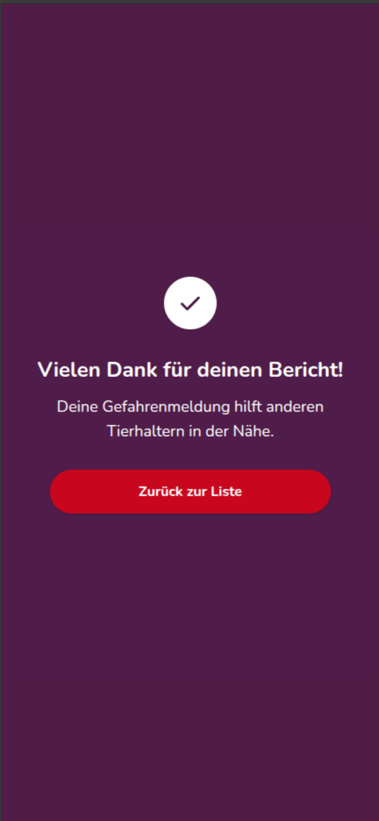
Once successfully submitted, your alert will be visible to other pet owners and help them identify potential dangers early.
Manage your Danger Alerts
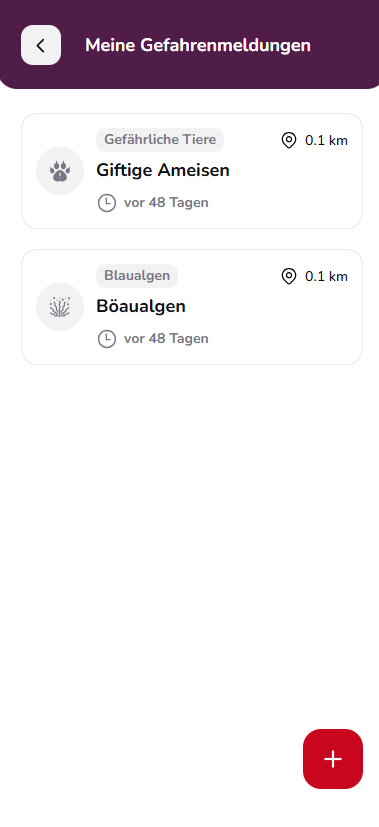
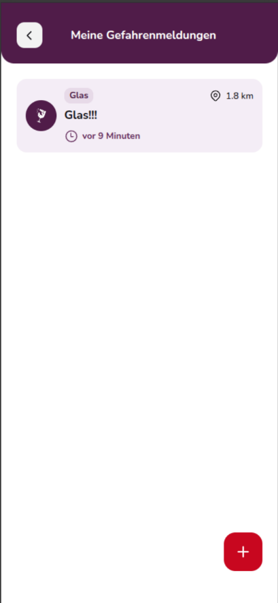
Under “My Alerts”, you can access the danger alerts you have created. In the “My Danger Alerts” section, you can view your published alerts and open their details.
You can also use the red “+” to report another danger directly from here.
Good to know
Describe the danger as accurately as possible and select the location carefully. Photos or videos can also help other pet owners identify the danger more quickly and assess the situation correctly.