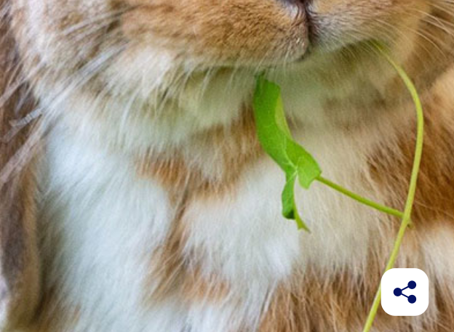
Gallery
With the Gallery, you can capture special moments with your pet and keep your favourite photos in one place. The Timeline also lets you see how your pet has changed over time.
Add photos to the Gallery
- Open the desired pet profile.
- Tap “Gallery”.
- Then select “Gallery”.
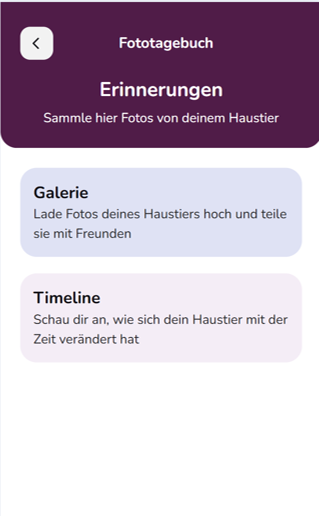
- Add photos of your pet. Over time, you can build a personal collection of your favourite moments.
- Open a photo to view it in detail.
Open a photo to view it in detail.
Under “Timeline”, selected photos of your pet are displayed in chronological order. This allows you to see at a glance how your pet has changed and developed over time.
This is especially nice for capturing your pet’s development from a young age through to adulthood.
Share memories as a video
The photos in your Timeline can be displayed as a video.
Tap the share icon on the video to share it with family, friends or others using the available apps and services on your smartphone.
Tip: Add new photos regularly. Over time, this creates a personal collection that captures your pet’s most beautiful moments and development.